
Autonomous Mode
Autonomous Mode allows your agent to perform actions that require higher permissions, such as modifying system files or managing network configurations.
Enabling Autonomous Mode
By default, agents run in a restricted sandbox. To enable full capabilities:
- Open a sandbox in the Dashboard.
- Look for the Autonomous mode is disabled banner.
- Click Enable.
- Review the permissions requested and click Accept.
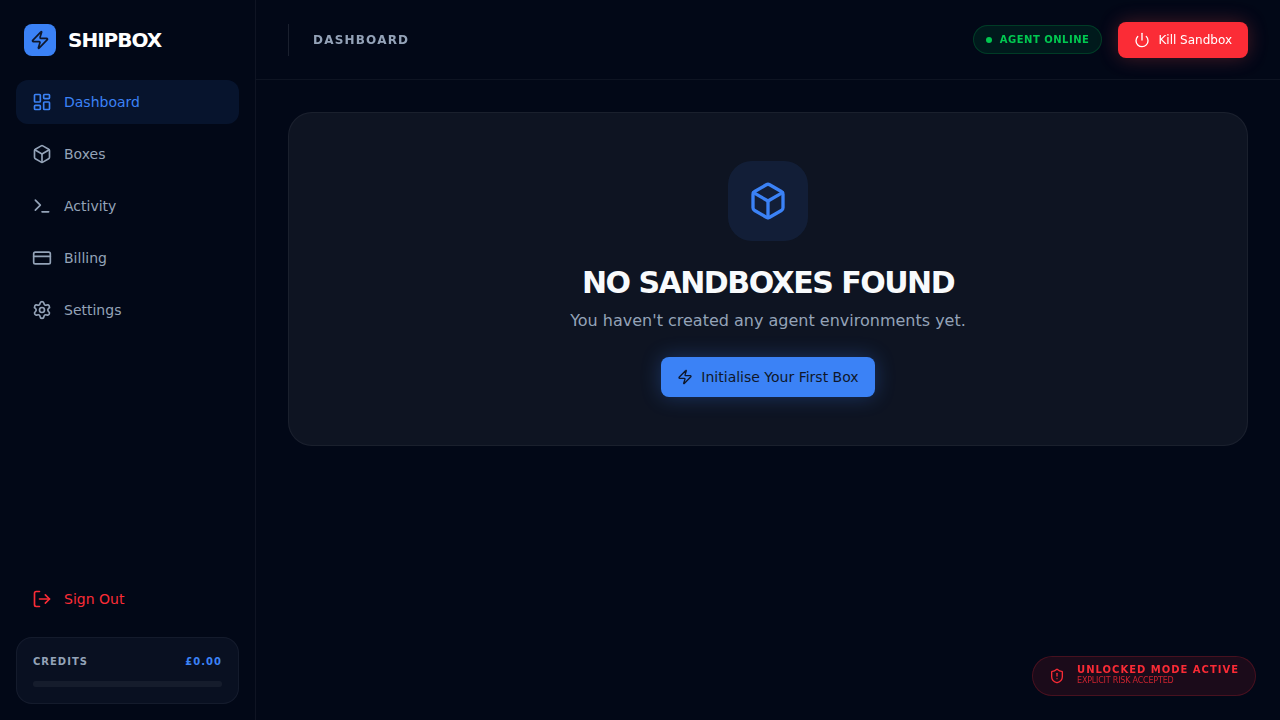
What changes?
When Autonomous Mode is active:
- The agent has root access within the sandbox.
- Network access is unrestricted.
- The agent can manage background processes and services.
Security
Even in Autonomous Mode, the agent is still contained within the secure Cloudflare sandbox. It cannot access your host machine or other sandboxes.